# zasper
**Repository Path**: hunklu/zasper
## Basic Information
- **Project Name**: zasper
- **Description**: No description available
- **Primary Language**: Unknown
- **License**: AGPL-3.0
- **Default Branch**: main
- **Homepage**: None
- **GVP Project**: No
## Statistics
- **Stars**: 0
- **Forks**: 0
- **Created**: 2025-01-17
- **Last Updated**: 2025-01-17
## Categories & Tags
**Categories**: Uncategorized
**Tags**: None
## README

⚡ High Performance IDE 🚀 Massive concurrency 🐥 Inspired by Jupyter



Zasper is an IDE designed from the ground up to support massive concurrency. It provides a minimal memory footprint, exceptional speed, and the ability to handle numerous concurrent connections.
It's perfectly suited for running REPL-style data applications, with Jupyter notebooks being one example.
Currently Zasper is fully supported on Mac with limited support on Linux.
# Benchmarks - 4X Better
Zasper uses one fourth of RAM and one fourth of CPU used by Jupterlab. While Jupyterlab uses around 104.8 MB of RAM and 0.8 CPUs, Zasper uses 26.7 MB of RAM and 0.2 CPUs.
# Why I built Zasper ?
There are several proprietary JupyterLab-like frontend tools available in the market, such as Databricks Notebooks and Deepnote Notebooks. However, none of them are free or open-source, and most require users to work in the cloud. Even the modest personal computers these days are typically equipped with at least 8 GB of RAM, an 8-core CPU, and a decent 4 GB GPU, I saw an opportunity to create a solution that works seamlessly on local machines. That’s why I decided to build Zasper which can effectively utilize the resources available and guarantee maximum efficiency.
Originally I wrote https://github.com/zasper-io/zasper_py (now in Private mode) to build a new frontend around Jupyter. During the process I realized, Go is the ideal choice to rebuild the Jupyter project. Go has excellent support for REST, RPC, WS protocols. Concurrency and Performance are the areas where Go shines.
Go's Concurrency: Better suited for applications requiring both concurrency and parallelism, as it leverages multiple cores effectively. It's easier to handle blocking operations without freezing the system.
Python's Event Loop: Ideal for I/O-bound applications that need to handle a lot of asynchronous tasks without blocking. However, it struggles with CPU-bound tasks and lacks native parallelism unless additional worker threads are used.
Hence the Go version of Zasper was born!
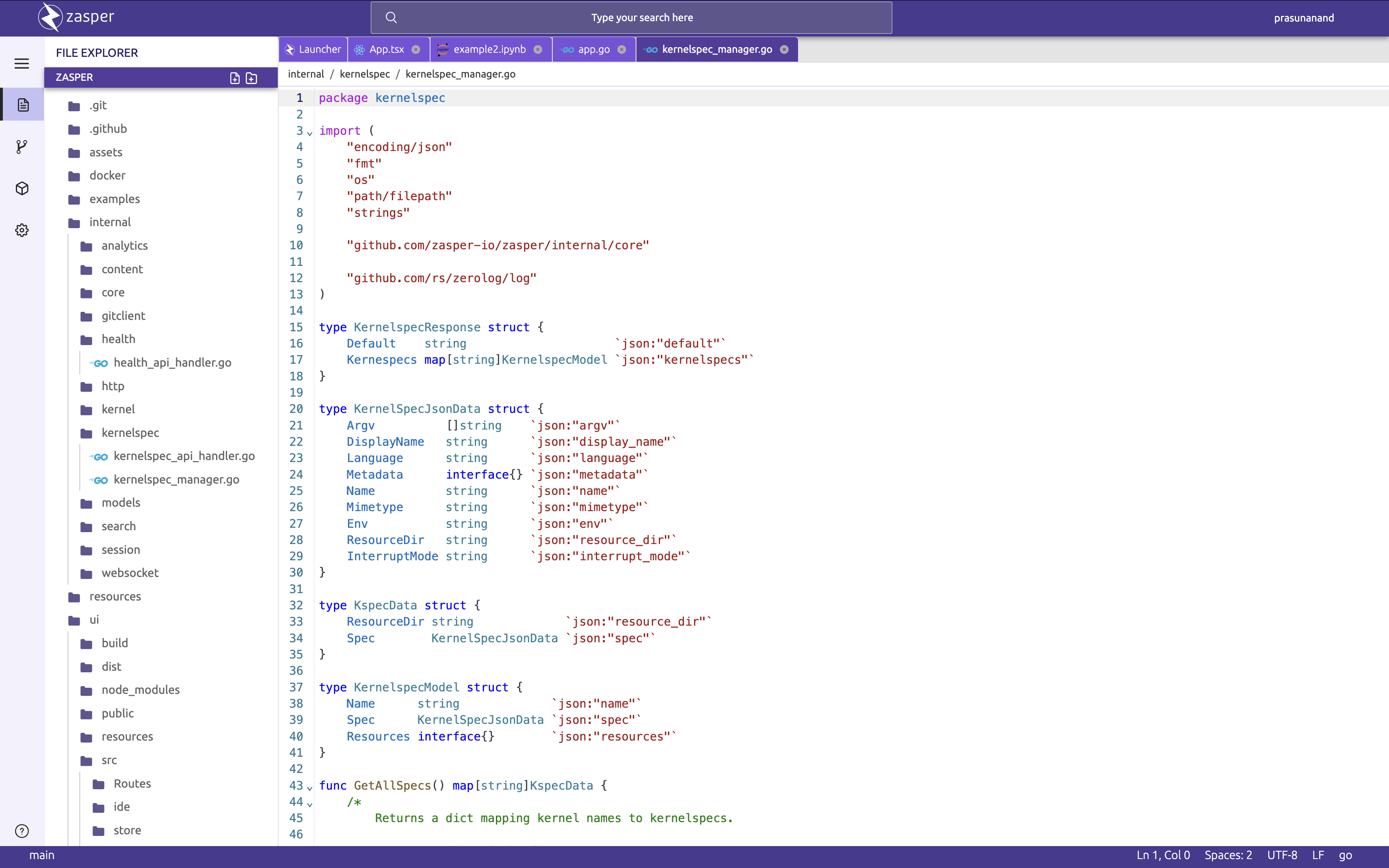
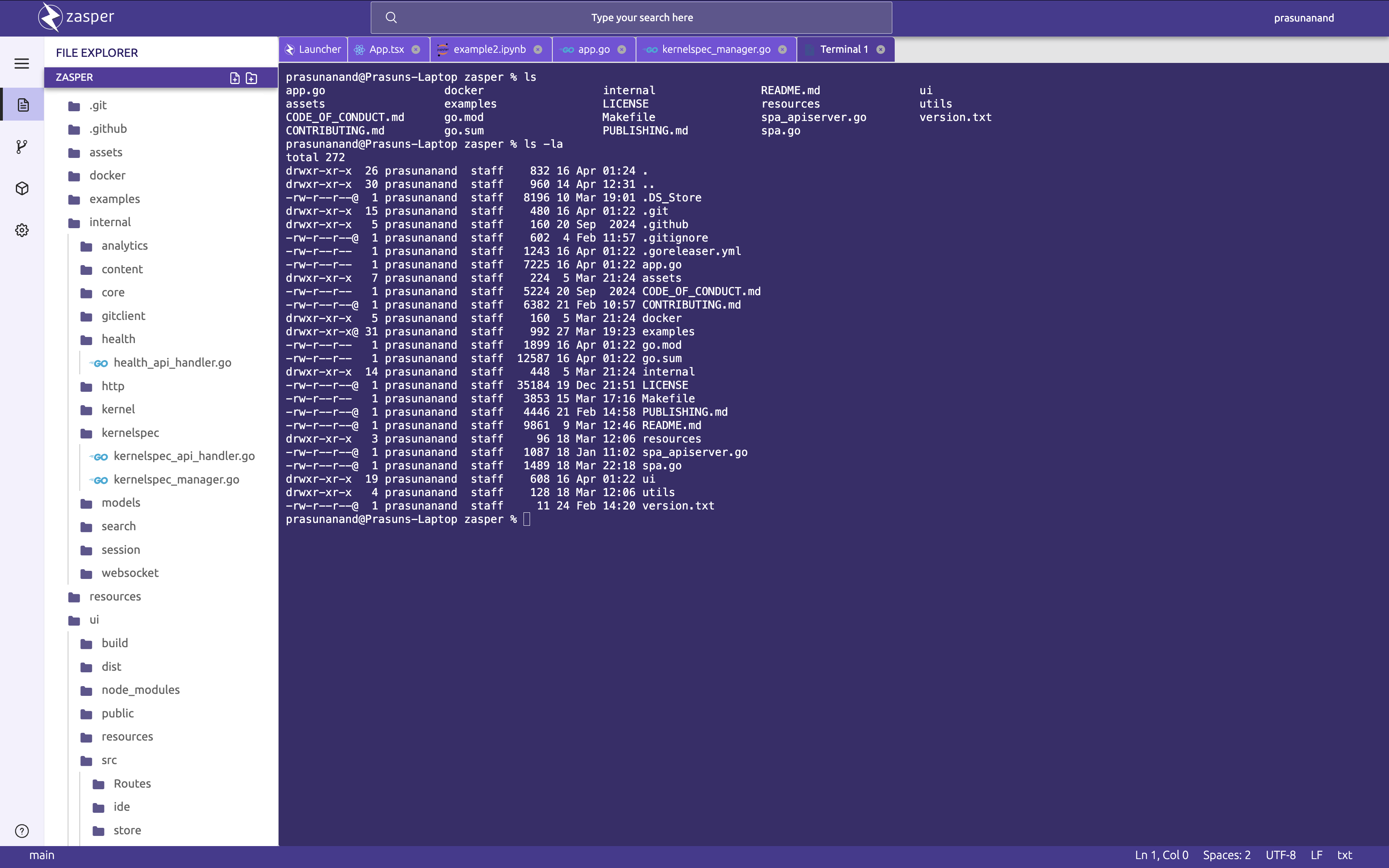
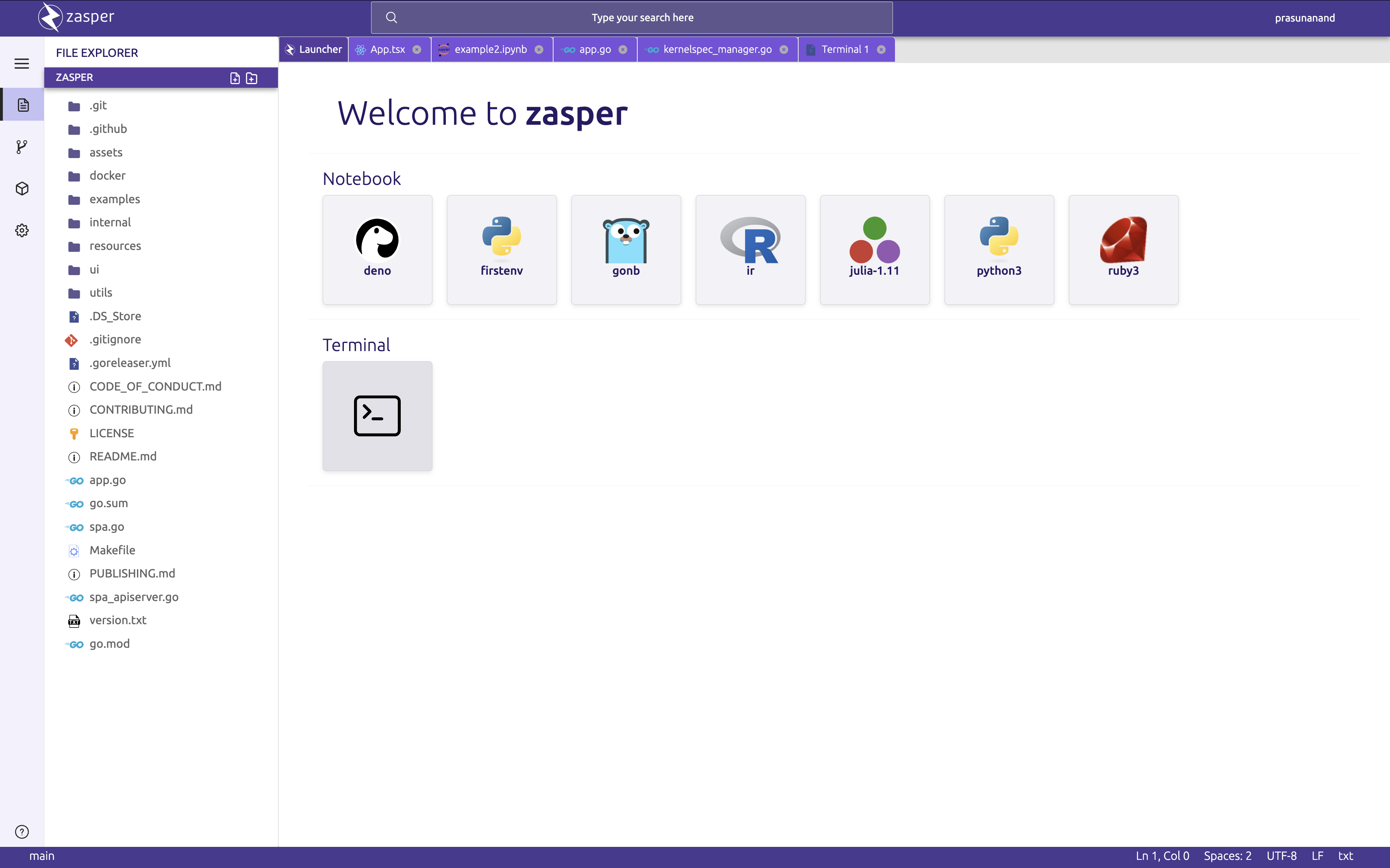
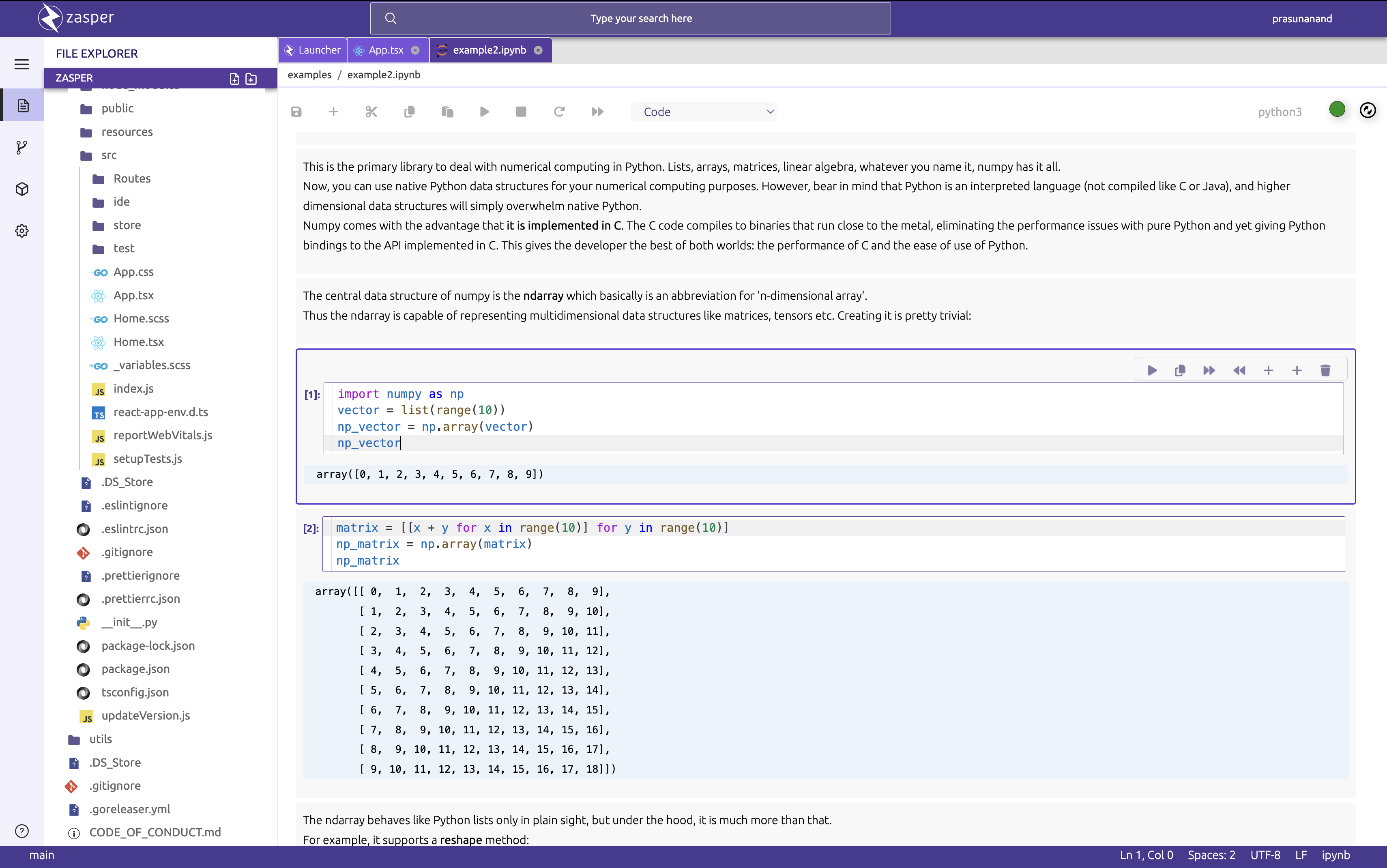
## 📷 Screenshots
### Editor
### Terminal
### Launcher
### Jupyter Notebook
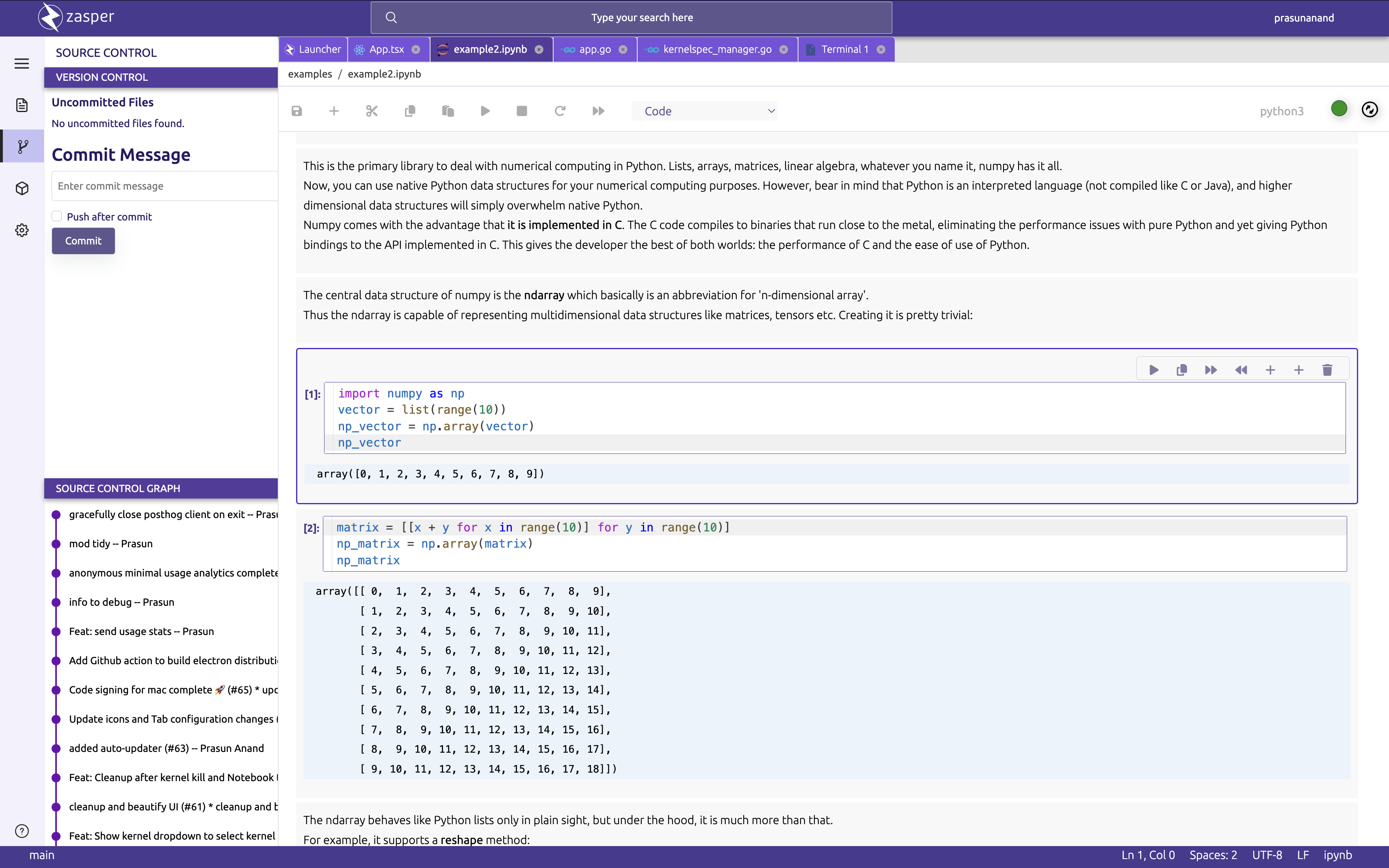
### Version Control
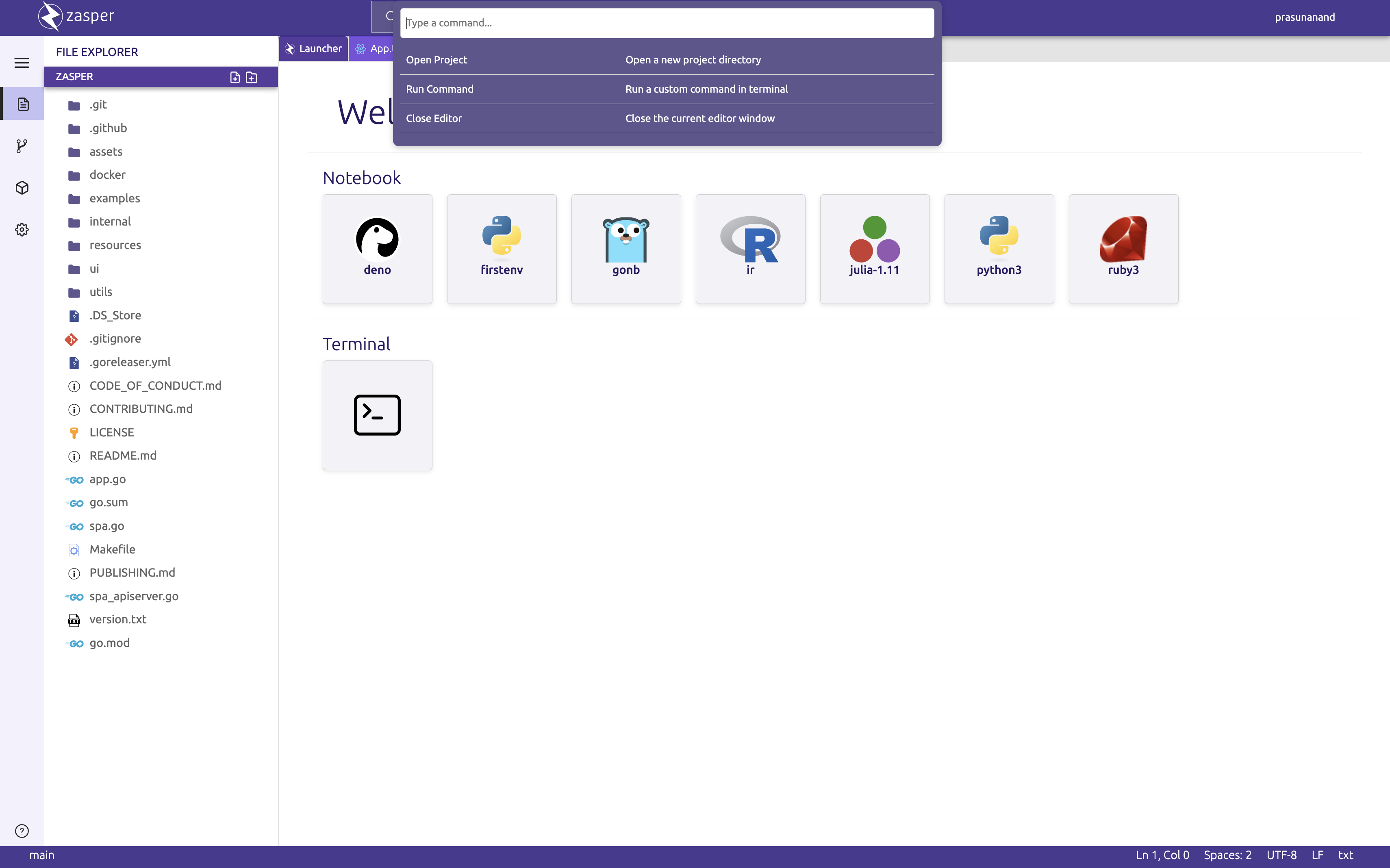
### Command Palette
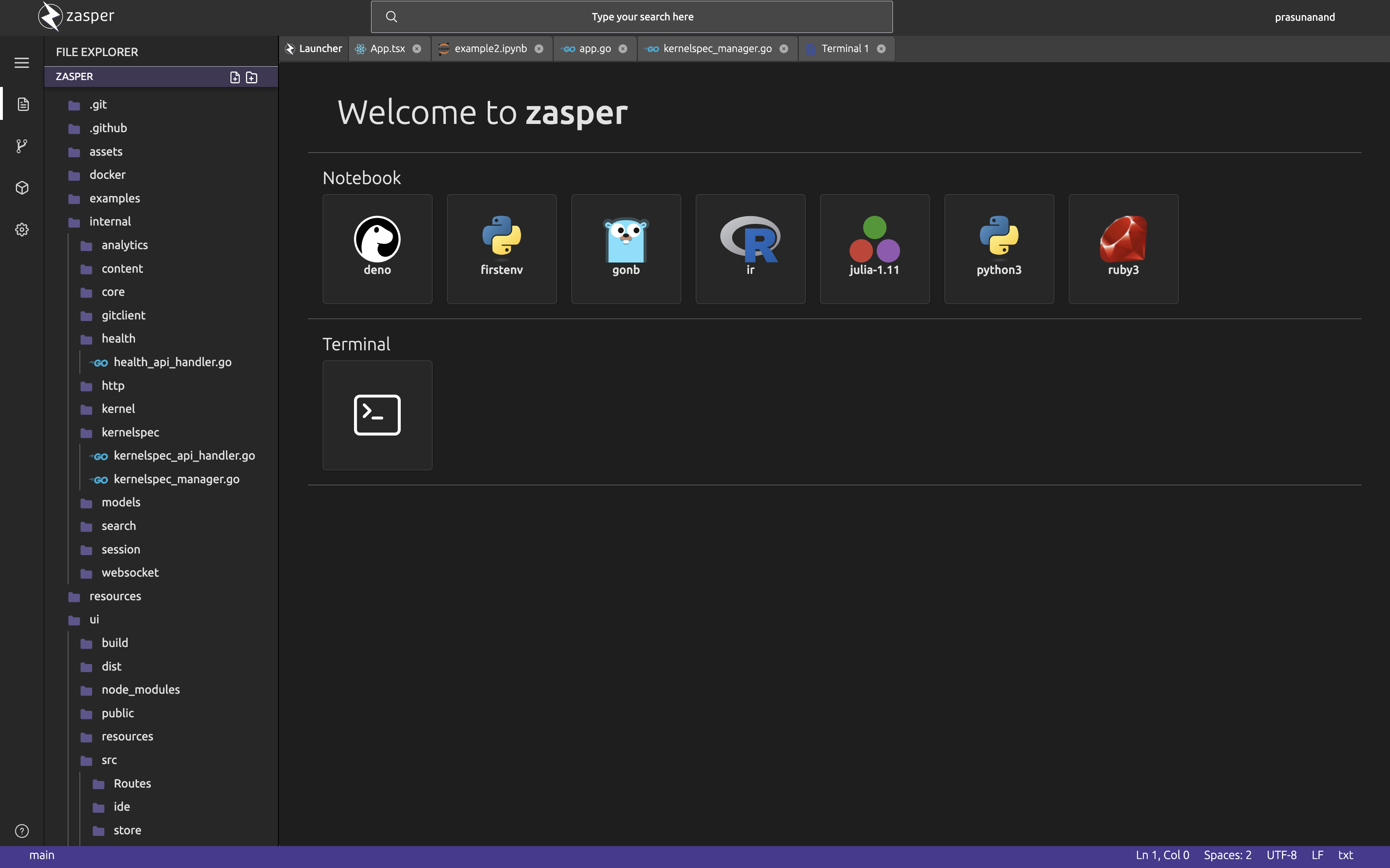
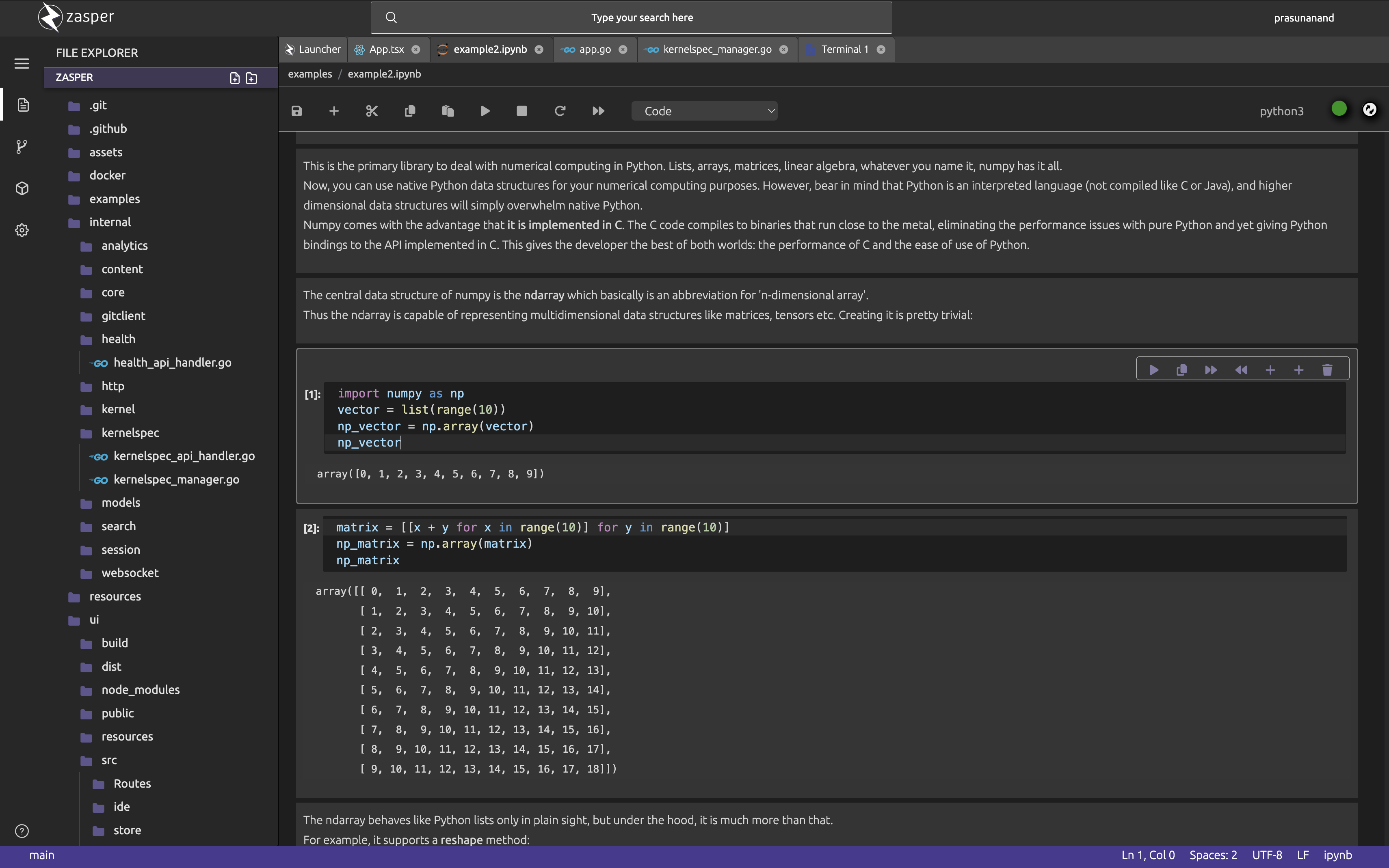
### Dark Mode
## Architecture

## ⚡️ Quick start
Zasper comes in two flavours:
1. Electron App
2. Web App
### Electron App
#### Install zeromq
On debian
```bash
sudo apt-get install libzmq3-dev
```
On mac
```zsh
brew install pkg-config
brew install zeromq
```
Go to project home and start the server
```bash
go build -tags webapp -o ui/public/zasper
```
Go to `ui` and run the app in dev mode
```
npm run electron-dev # dev-mode
npm run electron-package # prod-mode
```
### Webapp
#### Build the frontend
```bash
cd ./ui/
npm run build
```
#### Install zeromq
On debian
```bash
sudo apt-get install libzmq3-dev
```
On mac
```zsh
brew install pkg-config
brew install zeromq
```
#### Start the backend
Install zeromq.
Go to project home and start the server
```bash
go build -tags webapp
```
This will crate a binary called `zasper`. Now add this binary to your path.
Run zasper in any directory to see if the installation was done correctly.
```
% zasper -h
Usage of ../zasper:
-cwd string
base directory of project (default ".")
-debug
sets log level to debug
-port string
port to start the server on (default ":8888")
```
Go to any directory you want to serve and run `zasper`. This starts zasper server in the directory.
```
% zasper
2024/12/15 20:39:12 Zasper Server started! Listening on port:8888
███████╗ █████╗ ███████╗██████╗ ███████╗██████╗
╚══███╔╝██╔══██╗██╔════╝██╔══██╗██╔════╝██╔══██╗
███╔╝ ███████║███████╗██████╔╝█████╗ ██████╔╝
███╔╝ ██╔══██║╚════██║██╔═══╝ ██╔══╝ ██╔══██╗
███████╗██║ ██║███████║██║ ███████╗██║ ██║
╚══════╝╚═╝ ╚═╝╚══════╝╚═╝ ╚══════╝╚═╝ ╚═╝
```
Go to `http://localhost:8888`
## Logging
By default, the application writes logs to the following locations:
```bash
on Linux: ~/.config/zasper/logs/main.log
on macOS: ~/Library/Logs/zasper/main.log
on Windows: %USERPROFILE%\AppData\Roaming\zasper\logs\main.log
```
# Wiki
For Zasper architecture, and other info refer [wiki](https://github.com/zasper-io/zasper/wiki).
# Contributing
You can contribute in multiple ways:
* Documentation
* Bug Filing
* Submitting PRs or reviewing them
# Code of Conduct
See [Code of conduct](./CODE_OF_CONDUCT.md)
# Roadmap
Data Scientists and AI Engineers spend most of their time running Notebooks on IDEs and hence need a robust ecosystem.
Zasper aspires to be a full fledged IDE and the future development will be along making it more efficient by:
* Allowing custom data apps support rather than just Jupyter Notebooks.
* Easier integration with the existing tools.
* Zasper Hub for Self Hosted deployment in the cloud.
# 🌐 Community
Join Zasper Community on [Slack](https://zasper.slack.com)

# Copyright
Prasun Anand
## ⚖️ License
Zasper is licensed under AGPL-3.0 license.