# home_widget
**Repository Path**: batee/home_widget
## Basic Information
- **Project Name**: home_widget
- **Description**: home_widget
- **Primary Language**: Unknown
- **License**: BSD-3-Clause
- **Default Branch**: master
- **Homepage**: None
- **GVP Project**: No
## Statistics
- **Stars**: 0
- **Forks**: 0
- **Created**: 2025-10-14
- **Last Updated**: 2025-10-20
## Categories & Tags
**Categories**: Uncategorized
**Tags**: None
## README
# Home Widget
[](https://pub.dartlang.org/packages/home_widget)
[](https://pub.dev/packages/home_widget/score)
[](https://pub.dev/packages/home_widget/score)
[](https://pub.dev/packages/home_widget/score)
[](https://github.com/ABausG/home_widget/actions/workflows/main.yml?query=branch%3Amain)
[](https://codecov.io/gh/ABausG/home_widget)
[](https://github.com/sponsors/abausg)
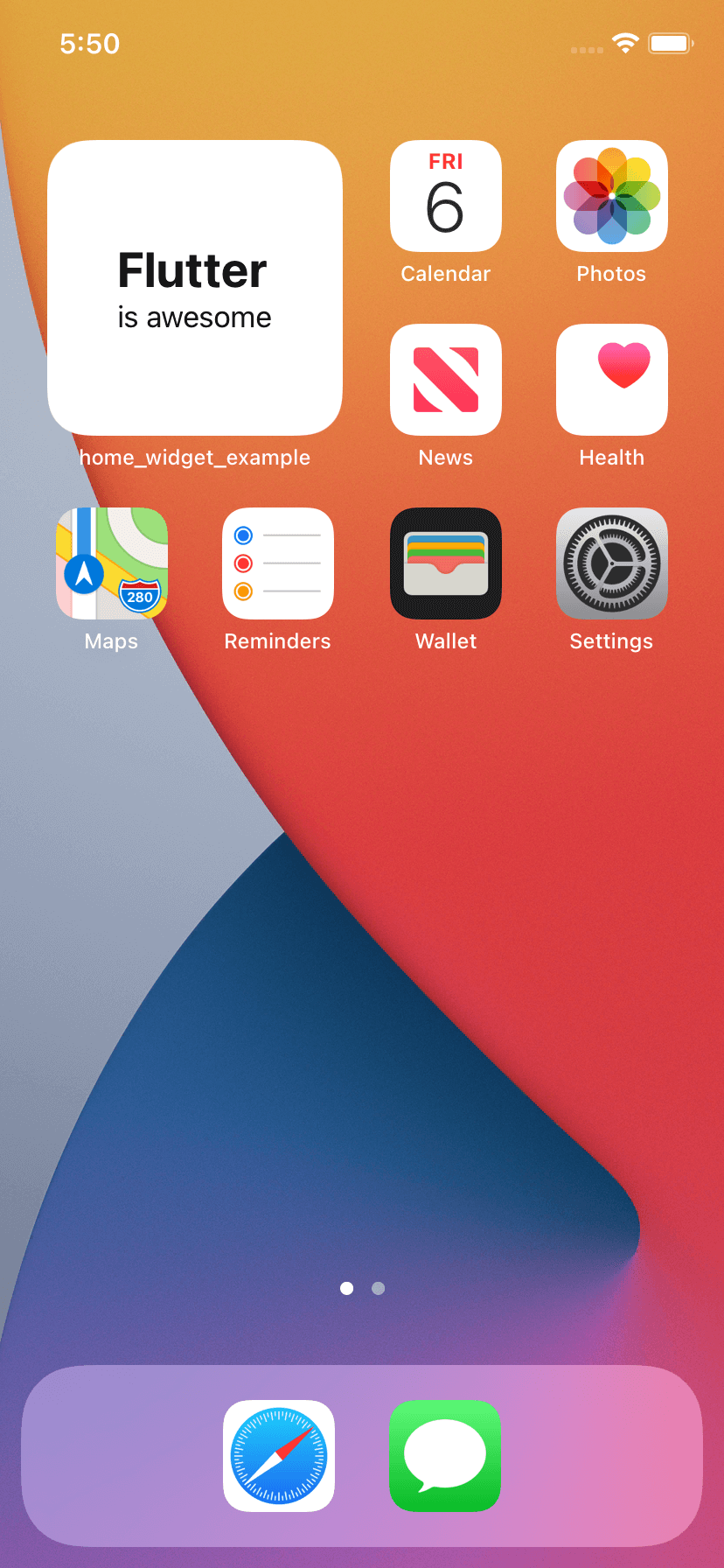
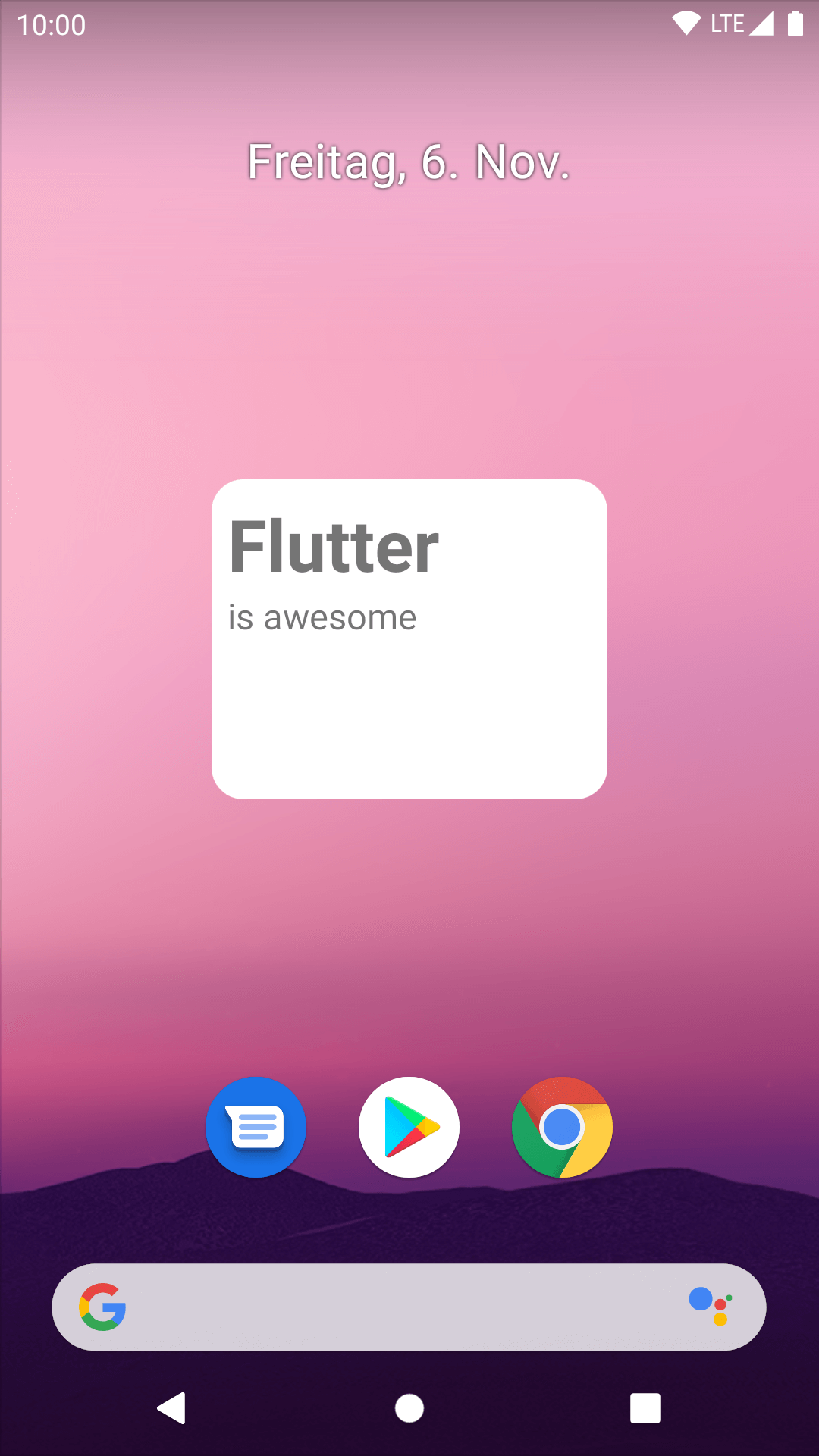
HomeWidget is a plugin to make it easier to create HomeScreen Widgets on Android and iOS.
HomeWidget does **not** allow writing Widgets with Flutter itself. It still requires writing the Widgets with native code. However, it provides a unified interface for sending data, retrieving data, and updating the Widgets.
| iOS | Android |
|----------------------------------------------------------------------------------------------------------------|--------------------------------------------------------------------------------------------------------------------|
|
|
|
## Features
- Help setting up widgets on the native side
- Send data from Flutter to the HomeScreen widget and update them
- Render and display Flutter widgets on HomeScreen widgets
- Interactive widgets that call Dart Code
## Documentation
Check out the [documentation](https://docs.page/abausg/home_widget) to learn how to setup home_widget and HomeScreen Widgets on your desired Platforms.
## Usage
Once you wrote your Widgets on the native side, it is super easy to send data to the Widget and update it.
### Save Data
To save data, call:
```dart
HomeWidget.saveWidgetData('id', data);
```
### Update Widget
To initiate a reload of the Home Screen Widget, you need to call:
```dart
HomeWidget.updateWidget(
name: 'HomeWidgetExampleProvider',
);
```
## Contributing
Contributions are welcome!
Here is how you can help:
- Report bugs and request features via [GitHub Issues](https://github.com/ABausG/home_widget/issues)
- Engage in discussions and help users solve their problems/questions in the [Discussions](https://github.com/ABausG/home_widget/discussions)
- Fix typos and grammar mistakes
- Update the documentation
- Implement new features by making a pull-request
## Show your Widgets
Have you added HomeScreen widgets to your App? Feel free to share them in the [GitHub Discussions](https://github.com/ABausG/home_widget/discussions/categories/show-and-tell)
## Sponsors
I develop this package in my free time. If you or your company benefits from home_widget, it would mean a lot to me if you considered supporting me on [GitHub Sponsors](https://github.com/sponsors/abausg)